Plain files.
Tokens, components, screens, flows and comments are readable, diffable files.
acme/
├── artisign.json
├── design-system/
│   ├── tokens.json
│   └── components/
├── screens/login.html
├── flows.json
└── comments.jsonl
Your coding agent designs the screens through MCP, on a shared design system. You watch it happen in the browser and comment on elements. Screens, tokens, flows and comments are plain files in your project.
npm install -g artisign
artisign is an MCP server. On first run, artisign offers to connect your AI tool, plus a short skill that teaches it to put the design system first. One connection serves every project.
The agent reads the tokens and components before it writes, then composes screens from refs.
get_screenshot renders what the preview renders, so the agent checks its own work before you do.
write_mockup keeps design directions side by side until you pick one.
Agents write UI one screen at a time. In artisign, screens reference tokens and components instead of raw values, so every screen draws from the same greys, spacing and buttons.
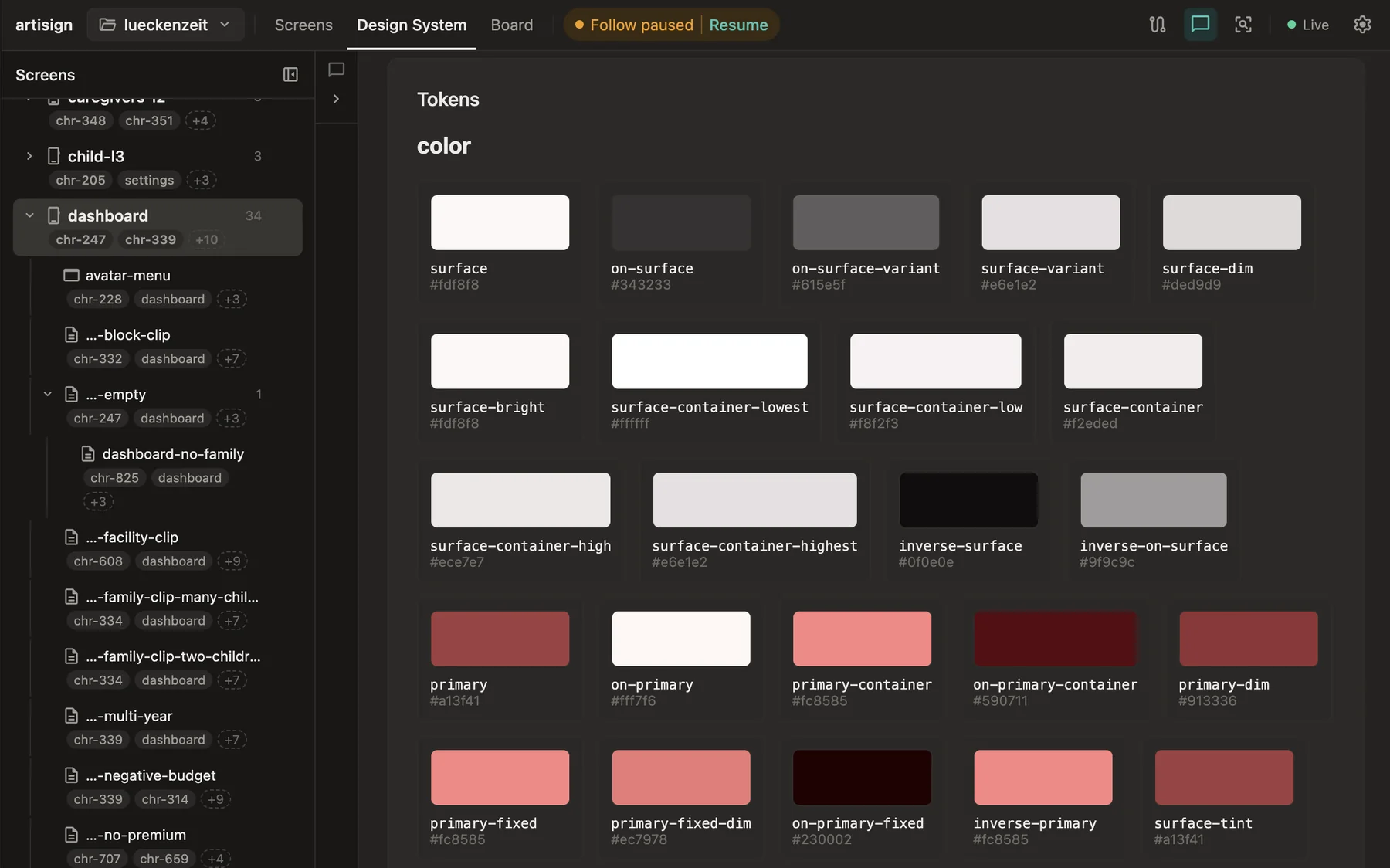
$btn-primary in class is a component ref, $spacing.md in a style value is a token ref.
A write that inlines a value a token already has comes back with a warning.
promote_to_system turns an inline value or a repeated element into a token, component or pattern.
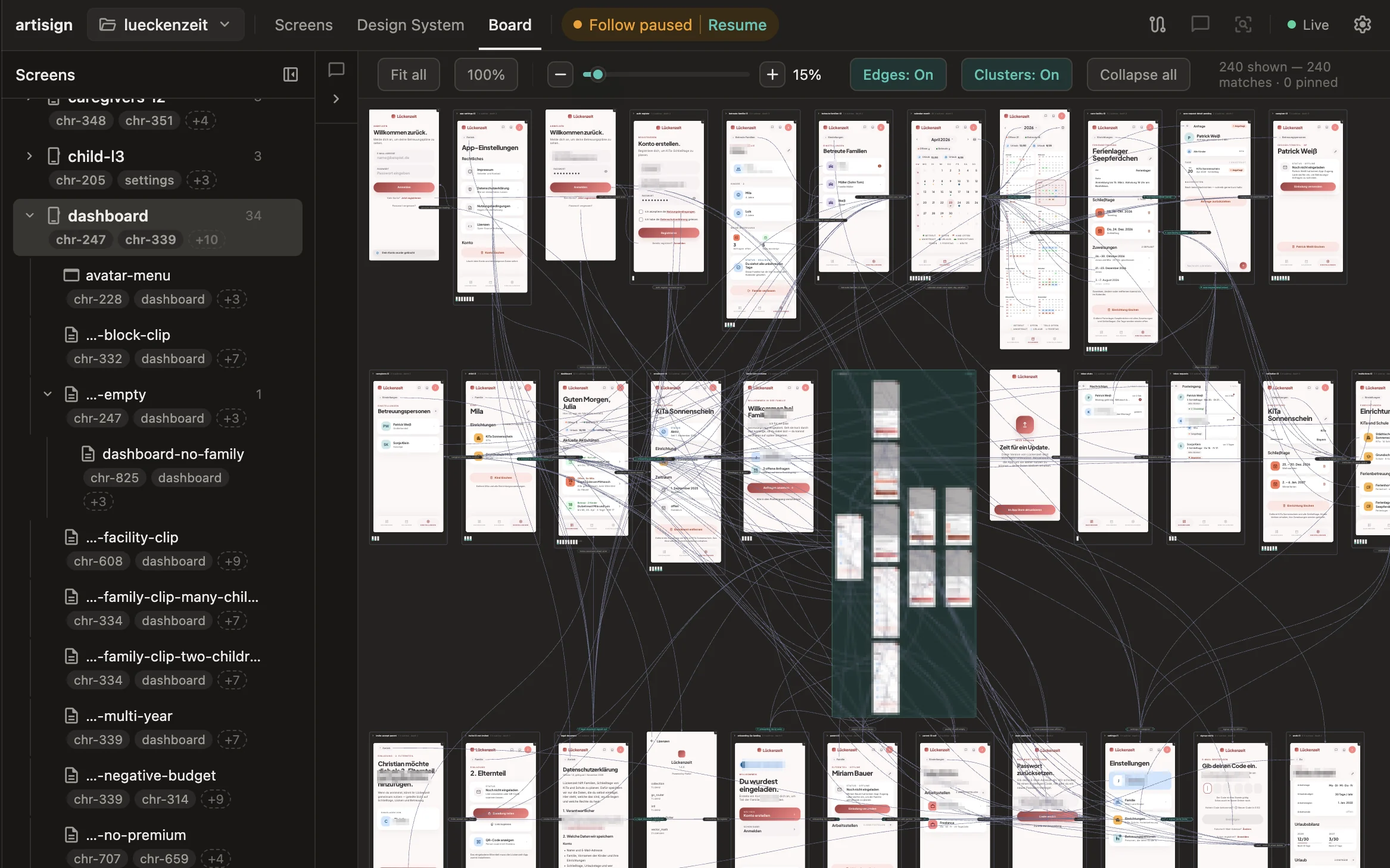
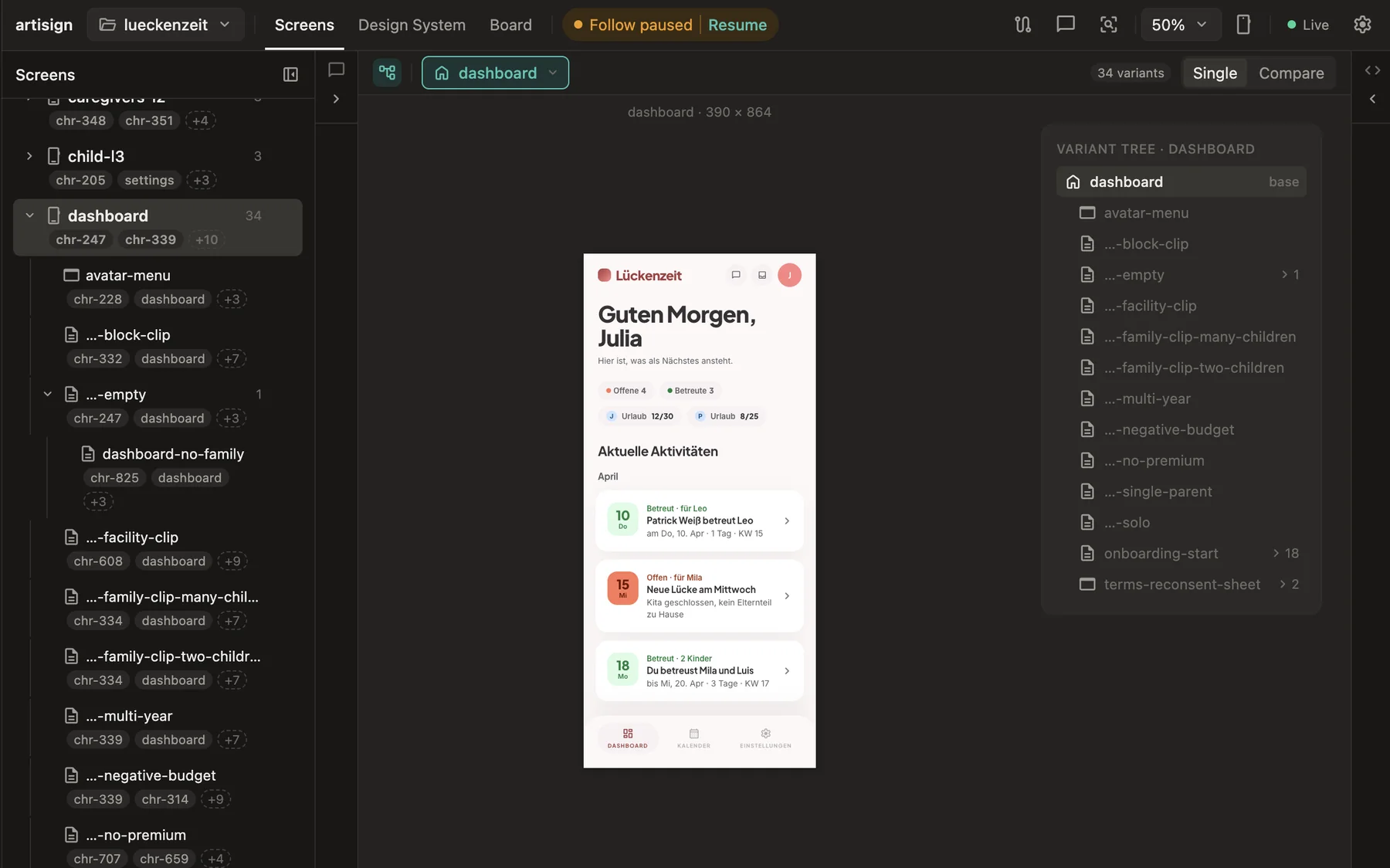
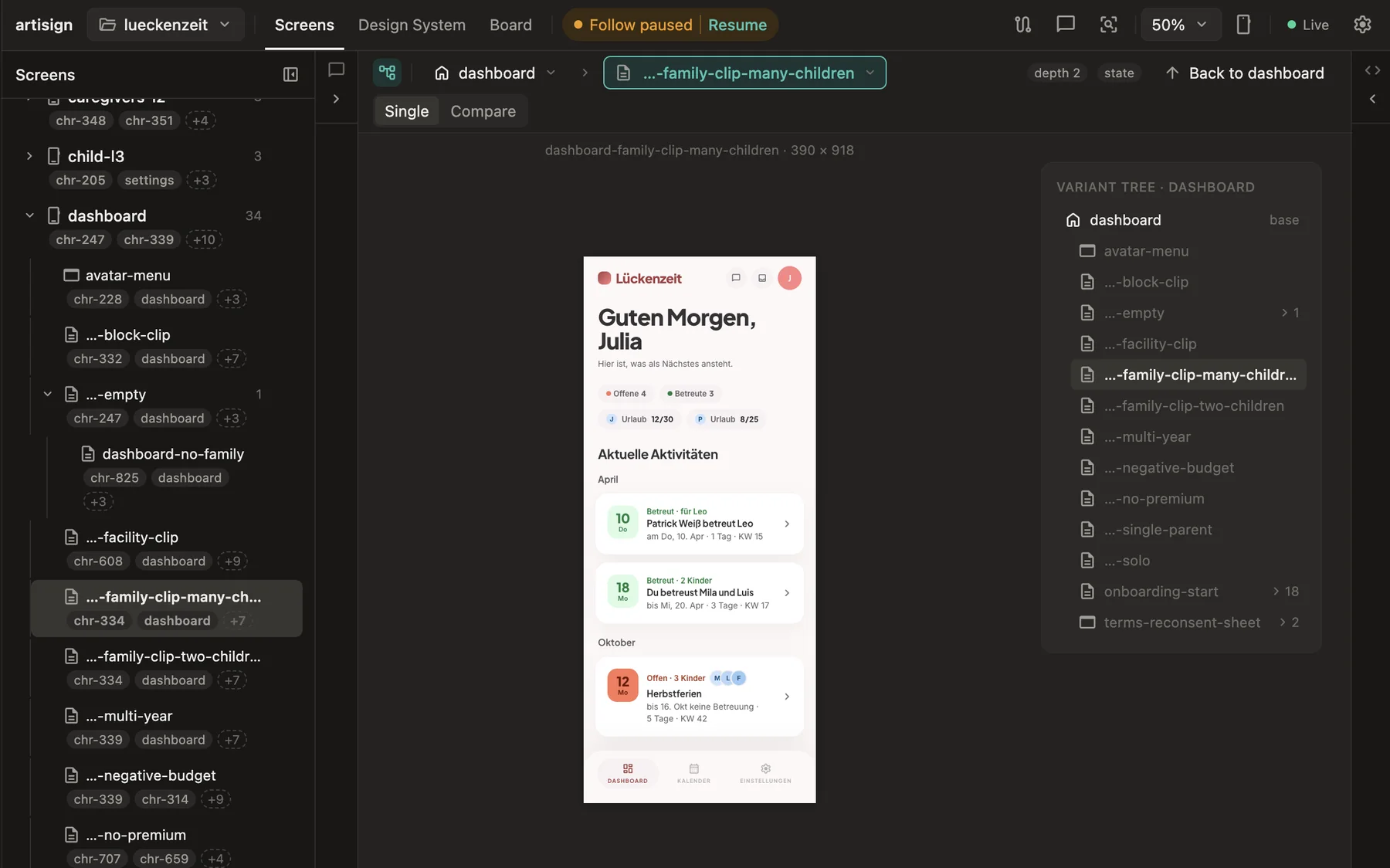
Many screens are another screen in a different state, an overlay on top of it, or a step after it. Variants record that, and Compare sets a screen beside its variants and marks what differs.
A breadcrumb and a tree map show where a screen sits in its family.
The main screen and up to three variants in columns, with a diff overlay.
Click an element with a flow target and the preview jumps to the screen it points at.
Click an element to anchor a comment. It is appended to comments.jsonl; the agent reads it with list_comments and answers with reply_comment.
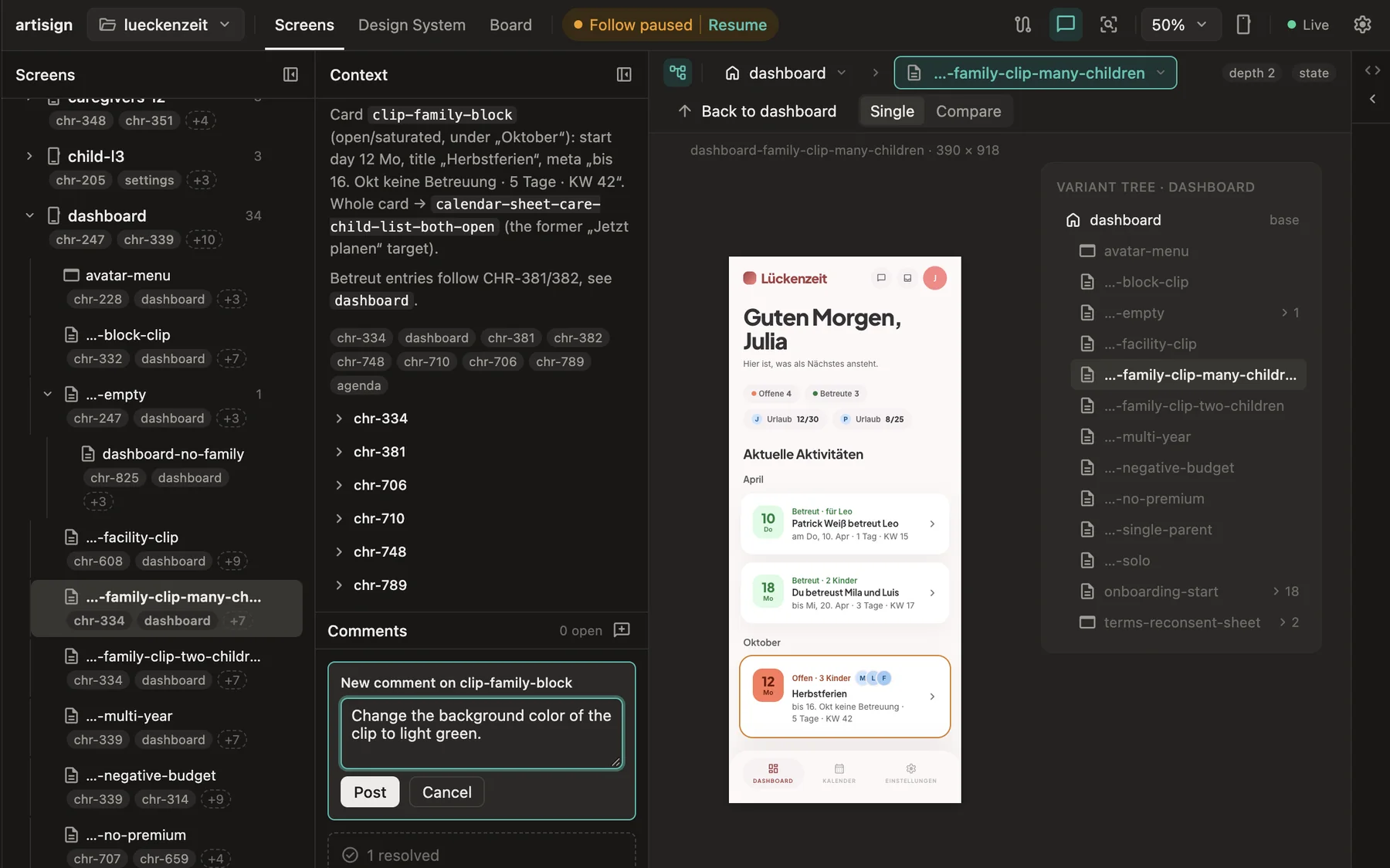
Comments sit on the element id the agent addresses, not on a pixel position.
Follow mode makes the preview track the agent’s tool calls.
A file change on disk shows up in the browser right away.
When a project has use case specs, each step maps onto a screen and an element. The mapping view shows the steps next to their screens, and a screen’s Context panel lists the use cases that touch it.
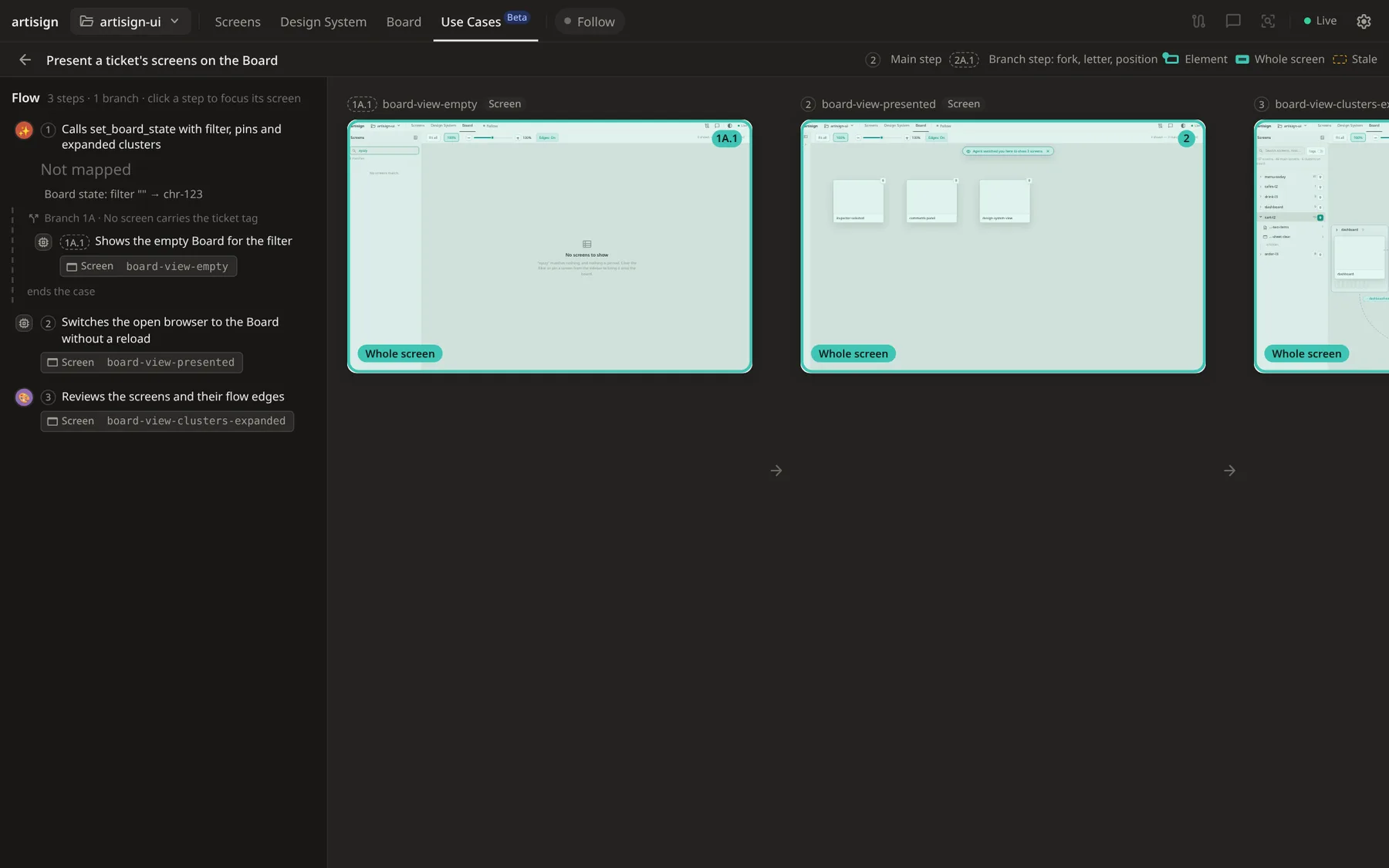
One Node process on 127.0.0.1. No database, no account. Your designs are files next to your code.
Tokens, components, screens, flows and comments are readable, diffable files.
acme/ ├── artisign.json ├── design-system/ │ ├── tokens.json │ └── components/ ├── screens/login.html ├── flows.json └── comments.jsonl
With autoCommit on, every write becomes one commit named after the tool and its target.
Your coding agent reads the reviewed screens with get_screen and the system with get_design_system. See all four steps of the workflow.

npm install -g artisignThen run artisign and ask: “Create an artisign project in ~/work/acme”